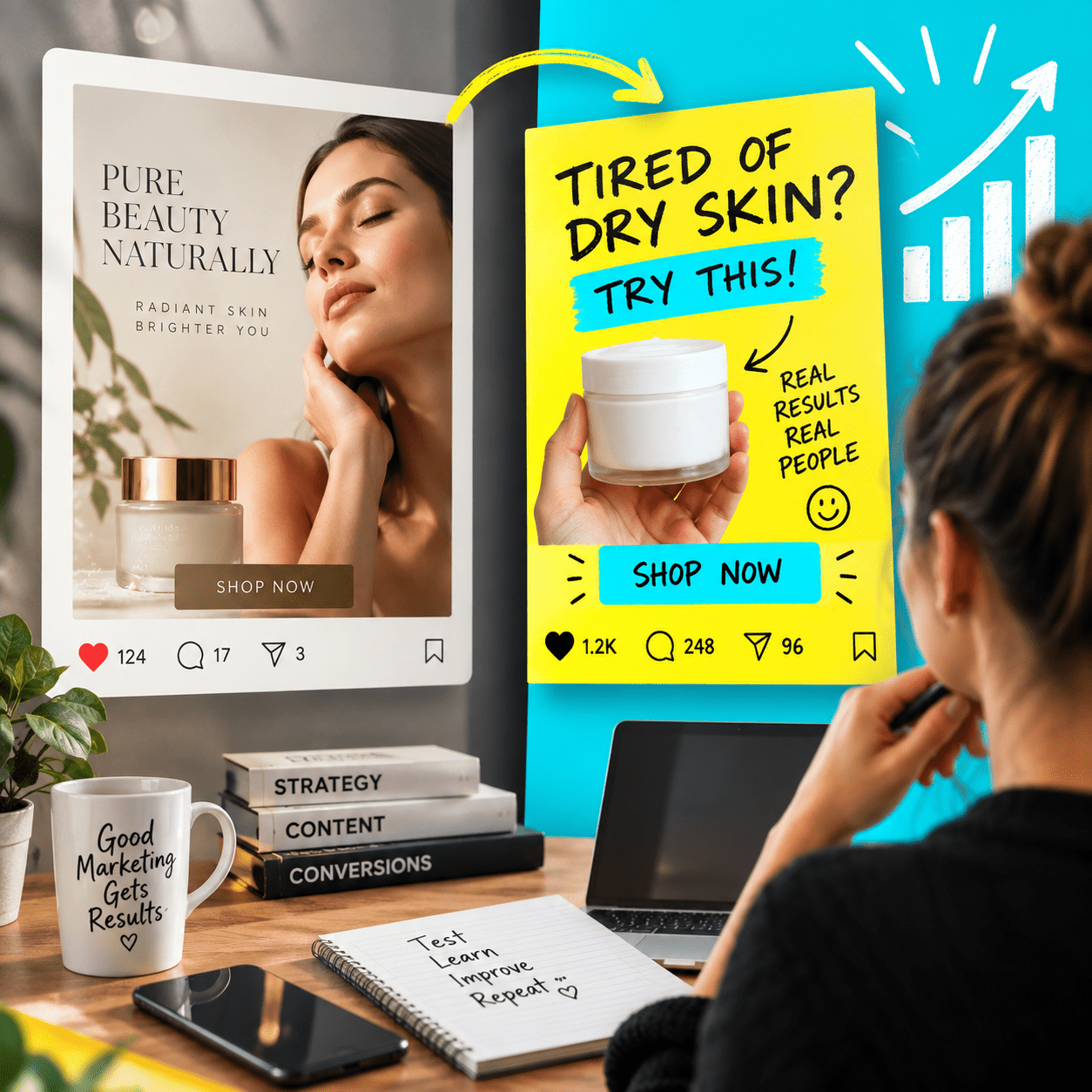
Creating eye-catching posts can take a lot of time, especially when you’re juggling many tasks. Using the right tools can help you design faster without losing quality. Here are five tools I use to speed up the design process and keep my posts looking great.
1. Canva
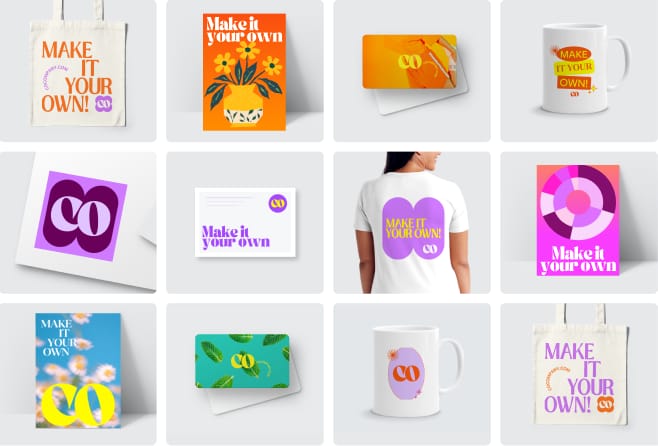
Canva is a popular design platform with ready-made templates for social media posts, stories, flyers, and more. You don’t need to be a design expert to create professional-looking graphics quickly. Just pick a template, add your images and text, and you’re done.
2. Unsplash
High-quality images make a big difference in your posts. Unsplash offers free, beautiful photos you can use without worrying about copyright. It’s a great resource when you need visuals fast but don’t have your own photos.
3. Adobe Express

Adobe Express is an easy-to-use tool for creating quick graphics, videos, and animations. It offers simple editing options and templates that help you stay creative while saving time.
4. Color Hunt
Choosing the right colors can be tricky. Color Hunt provides curated color palettes that look good together. You can pick a palette to keep your brand colours consistent across all posts without spending extra time experimenting.
5. Trello
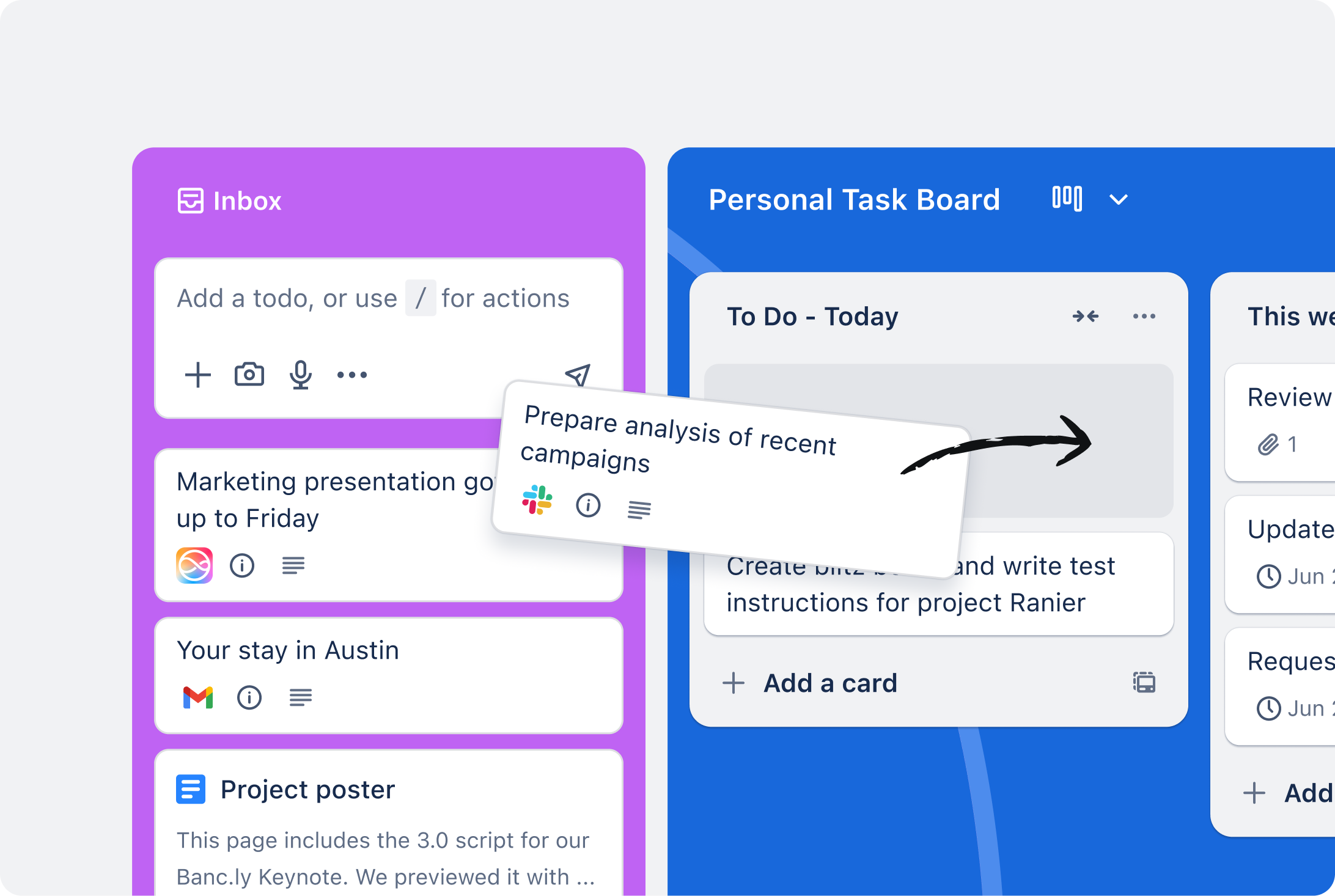
While not a design tool, Trello helps organize your content ideas and design tasks. Keeping everything in one place means you spend less time searching for ideas or materials and more time creating.
Using these tools helps me stay productive and focused, so I can get more done in less time. If you’re looking to save time on your social media designs, give some of these a try!